

While writing the previous post in this series, I hit a very unglamorous problem: my laptop disk was full.
Not “almost full”. Full enough that everything started to feel brittle.
I did what I always do: open a couple of folders, run a few du commands, check caches, look for the usual suspects, delete stuff, repeat. It works, but it is also boring, easy to forget, and surprisingly hard to do consistently.
So I asked myself a question that is both practical and a little bit mischievous:
What if an agent could walk through my cleanup routine and just report opportunities to free space?
That sounded like a fun weekend project and also a good way to pressure-test my agentic coding instincts in a real CLI environment. The result is disk-cleanup-agent: a command-line tool that uses an agent to explore your filesystem (carefully), identify common offenders, and produce a cleanup report.
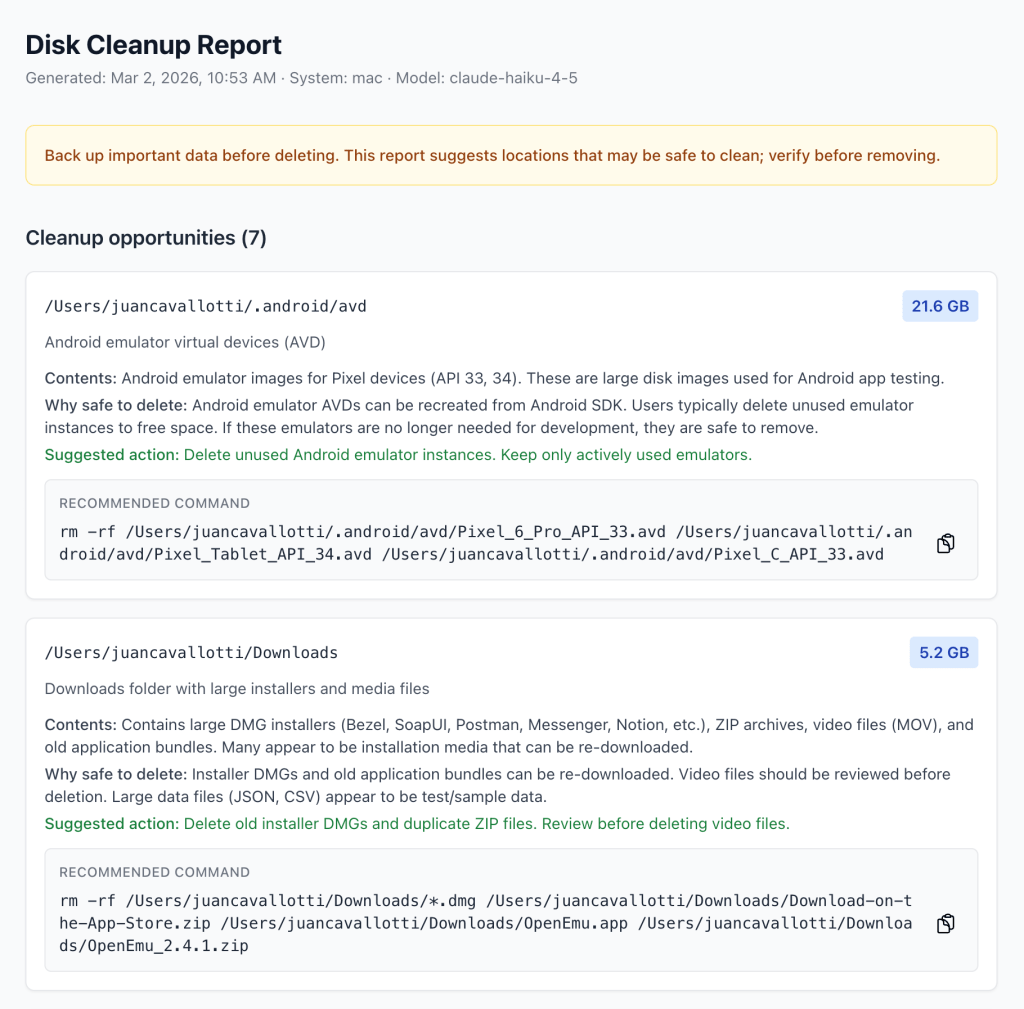
You can check out the repository here: https://github.com/juancavallotti/disk-cleanup-agent/
You can read the details of this architecture here: https://github.com/juancavallotti/disk-cleanup-agent/blob/main/ARCHITECTURE.md
What I wanted (and what I did not want)
I had two constraints that shaped everything:
- I wanted the agent to be helpful without being dangerous.
- I wanted the terminal UX to feel alive, not like a hung process.
That led to a couple of key challenges:
- Human-in-the-loop authorization for any tool that reads local paths or runs probes.
- Streaming output to the terminal while still being able to pause and ask for confirmation.
- A clean, testable architecture that lets me add skills and tools without rewriting the agent.
The rest of this post is a tour of the patterns that made it work.
Human-in-the-loop: the allowlist
Letting an LLM call filesystem tools is one of those things that sounds fine in a demo and terrifying in production. I wanted explicit user approval, but I did not want to be prompted every single time the agent repeats a safe call.
So I implemented an allowlist middleware that sits between the agent and the tools.
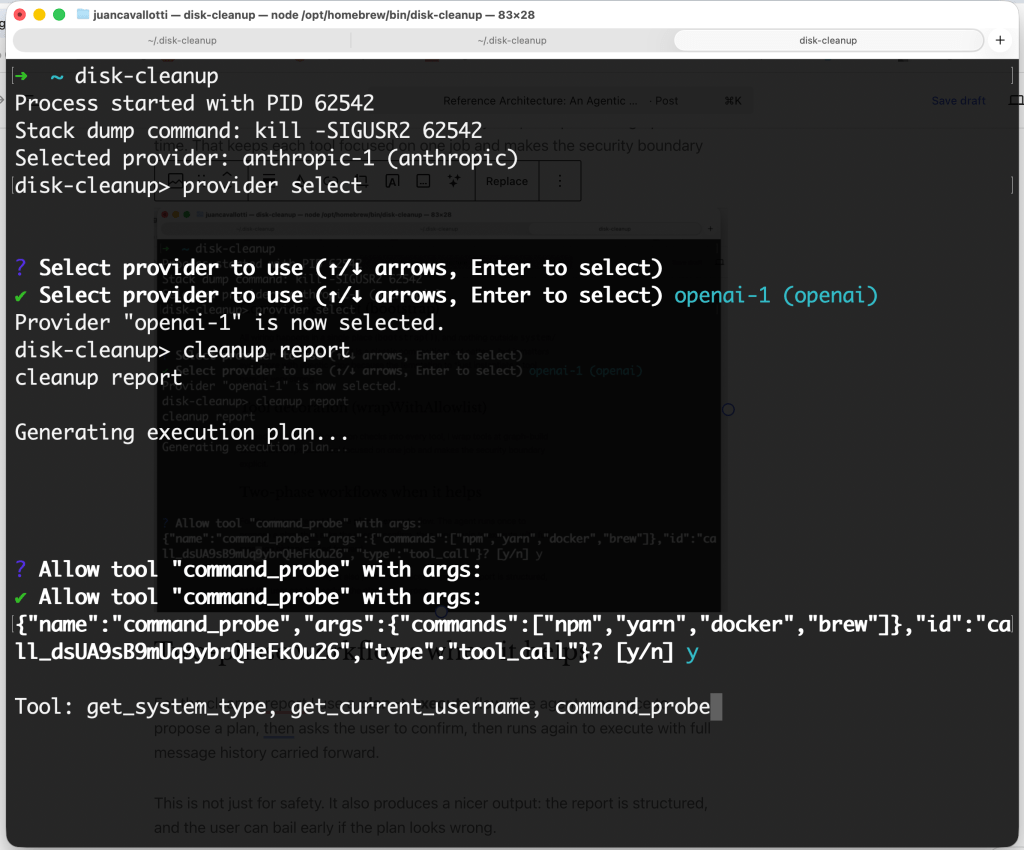
The UX goal
- First time the agent tries something new: prompt the user.
- If the user approves, remember that approval.
- Future calls that are semantically identical: run without re-prompting.
In practice, that looks like:
- “Allow
list_folderson~/Library/Caches? \[y/n\]” - If you say yes, subsequent
list_folderscalls on the same path are auto-approved.
What is “the same call”?
This part turned out to be more interesting than I expected.
A tool call is considered already authorized when:
- The tool name is allowlisted, and
- Every argument key is present in the stored allowlist for that tool, and
- Every argument value (or each element in an array) is present in the stored allowed set.
I also strip the LangChain invocation id argument before comparison, so reruns of the same logical call match cleanly.
To avoid “same data, different serialization” bugs, argument values are canonicalized deterministically before storage.
Why scope it per provider?
The allowlist is stored per provider ID, so switching from one model provider to another starts with a clean authorization history. That is a deliberate choice: a different provider can imply different tool-calling behavior and risk tolerance.
The state lives in ~/.disk-cleanup/state.json, next to the provider config.
Streaming to the terminal (without breaking interactivity)
I wanted the CLI to feel like a conversation:
- The agent should stream tokens so you can watch it “think”.
- Long-running tools should show progress.
- But if a tool needs user input (like allowlisting), the stream should pause, clear the line, and ask.
The pattern that made this tractable is a two-coroutine streaming coordinator:
- A background task consumes the LangGraph
AsyncIterableand updates the shared state. - A foreground loop redraws a single in-place terminal line every ~50ms.
When the tool middleware needs confirmation, it enqueues a prompt through a UserInputQueue. The foreground loop detects the pending request, clears the streaming line, displays an interactive prompt, and resolves the promise the suspended tool is awaiting.
That gives me a terminal experience that is both smooth and safe.
Agentic patterns that made the CLI feel sane
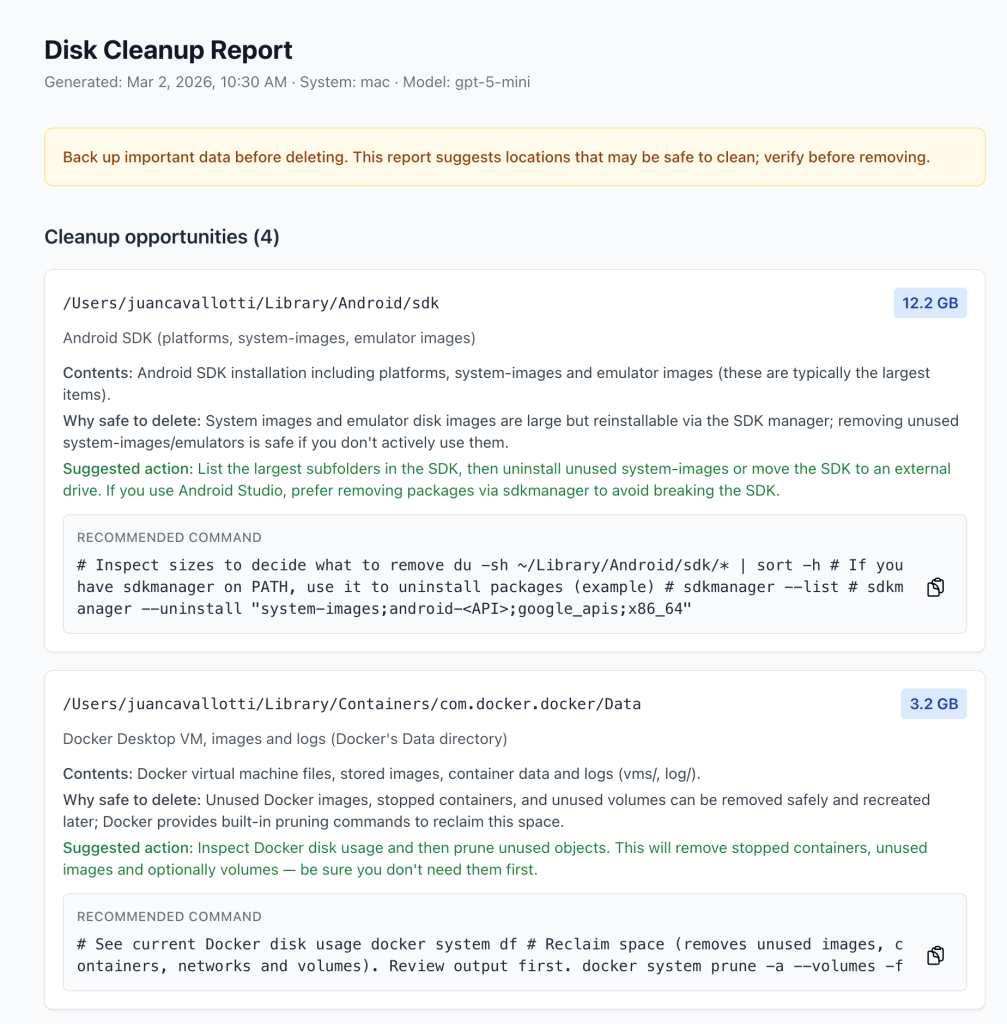
A few design decisions turned out to pay dividends:
Skills as pluggable Markdown
Agent behavior is driven by skills, which are Markdown files loaded lazily at runtime via a get_skill tool. This keeps the “how to do the task” instructions out of code, makes iteration easy, and lets me add new workflows without touching the agent core.
Tool decoration (wrapWithAllowlist)
Instead of baking authorization checks into every tool, I wrap tools at graph-build time. That keeps each tool focused on one job and makes the security boundary explicit.
Two-phase workflows when it helps
For the cleanup report, I use a plan → execute flow. The agent runs once to propose a plan, asks the user to confirm, then runs again to execute, with the full message history carried forward.
This is not just for safety. It also produces a nicer output: the report is structured, and the user can bail early if the plan looks wrong.
Closing thoughts
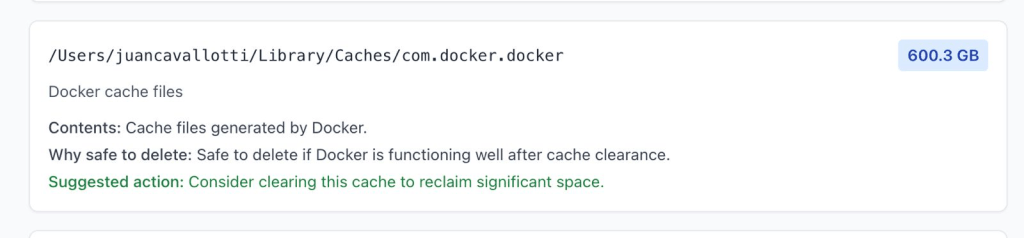
This project started as a minor annoyance (“why is my disk full?”) and turned into a surprisingly rich playground for agentic CLI patterns: streaming, human-in-the-loop authorization, and a clean separation between skills, tools, and orchestration.
If you want to try it, or steal patterns for your own agentic tooling, the repo is here:
 Juan Alberto López Cavallotti
Leave a comment